License
Navigate to Tenancy → License (page=grabwp-tenancy-license).
The page title is GrabWP Tenancy Pro License.
Activate
The unlicensed card says Activate your license to unlock Pro features.
- Open the Customer Portal with the purchase email and copy the key. Keys begin with
GRABWPPRO-. - Paste it into License key.
- Click Activate License.
The consent line states that activation sends this site's domain and the license key to GrabWP / Polar.
No key yet: the screen links to grabwp.com.
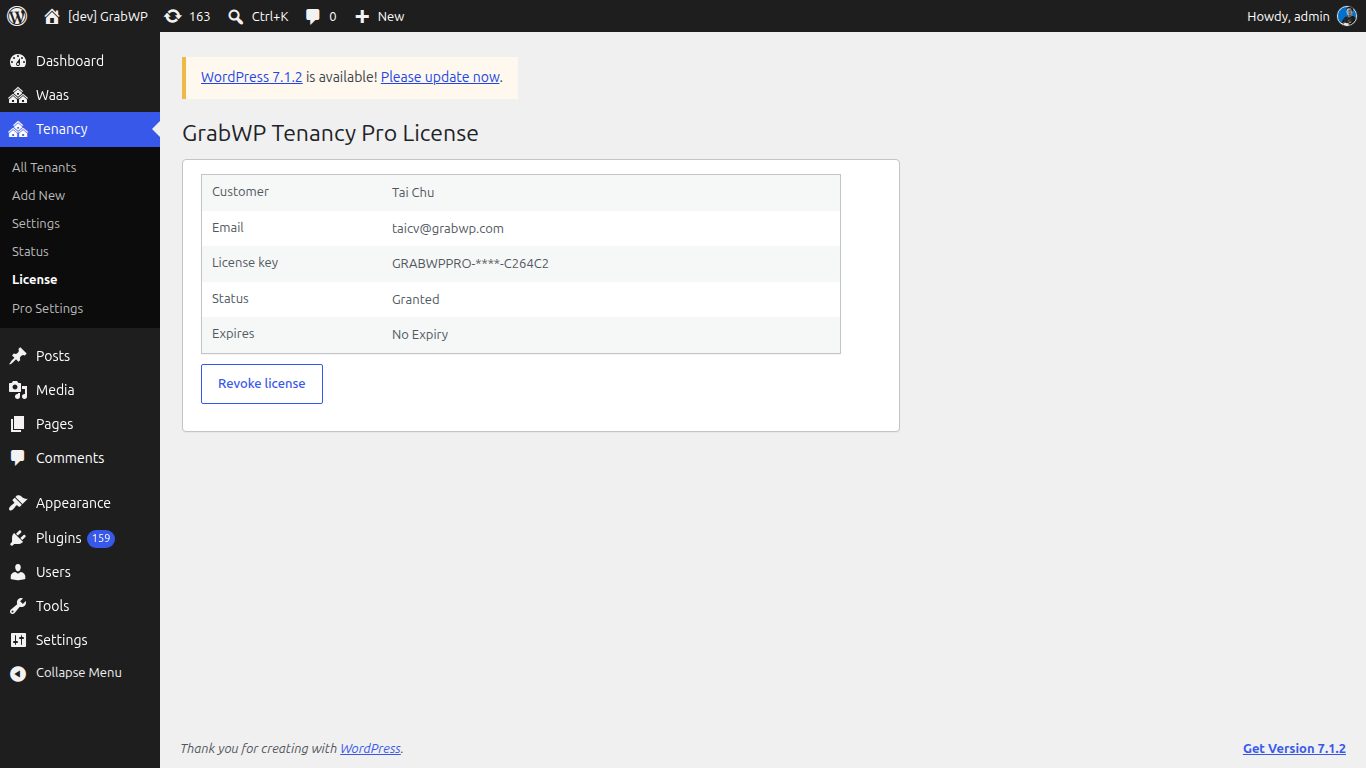
Licensed site
| Field | Notes |
|---|---|
| Customer | Name on the license |
| Email on the license | |
| License key | Masked. The full key is not shown on this page. |
| Status | License status, for example Granted |
| Expires | Expiry, or No Expiry |
Revoke
Click Revoke license to clear the Polar activation and remove the stored license from this site. The screen returns to the activate form.
Verify: Status shows a granted (or otherwise active) value, and Tenancy → Status → Pro Plugin still shows Active while the Pro plugin is enabled.