Pro settings
Short answer: Tenancy > Pro Settings holds the defaults for new sites (isolation and database) and platform-wide options for folders, symlinks, S3 storage, backups and CDN. Changing a default does not change sites you already have.
Needs: Pro
How it works
The page title is Pro Settings. Tabs: Isolation, Database, Directories, Symlink, Storage, Backup and CDN. Click Save Pro Settings on any tab. You should see Pro settings saved successfully. If you see Failed to save Pro settings. Please check file permissions., the Pro config folder is not writable (see Where site data lives).
Isolation and Database only set what the Add New form starts with. You can still change them for one site, and existing sites keep their own settings.
Routing options are not on this page. Path Prefix and Path Alias Routing are on Tenancy > Settings > Routing. See Domains and DNS.
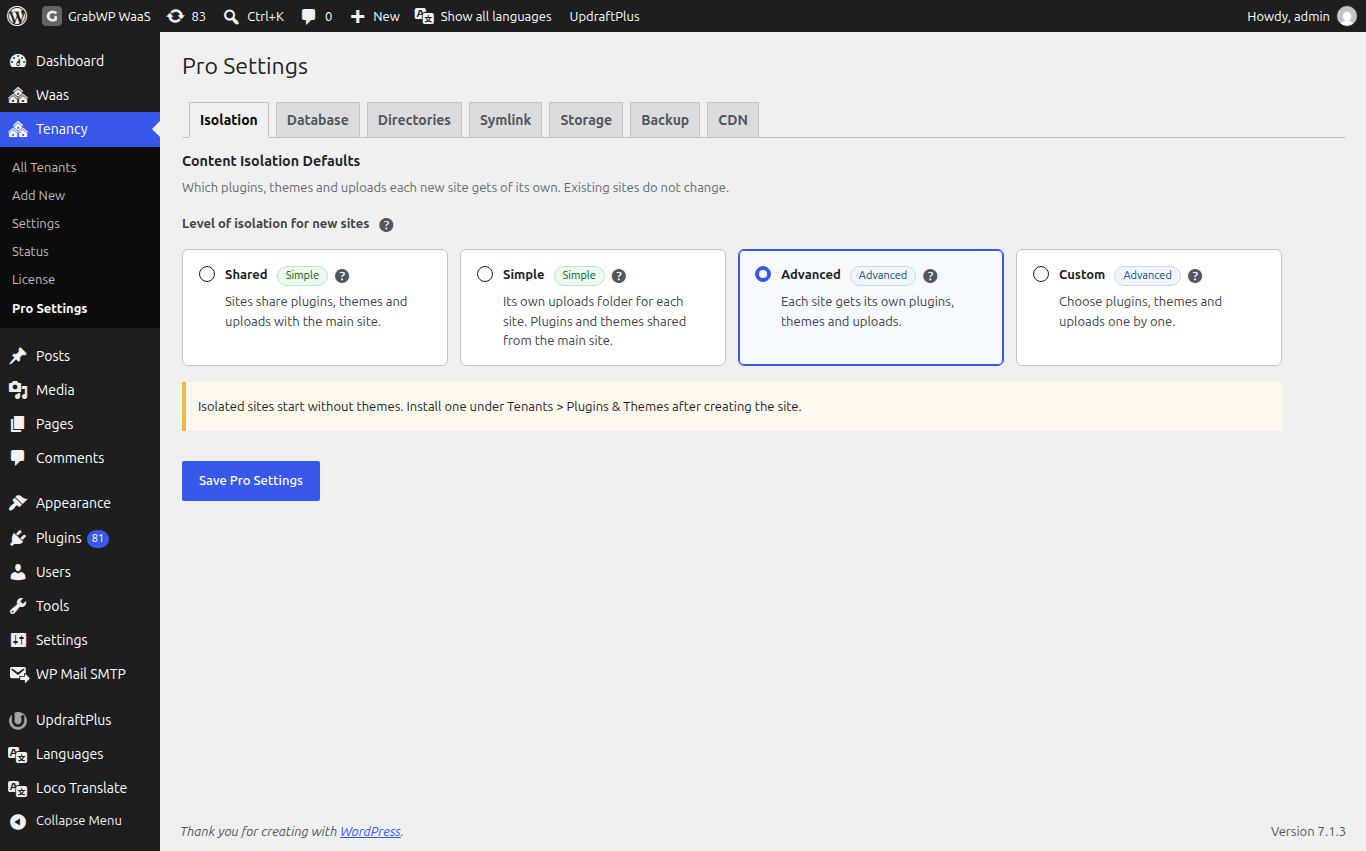
Isolation
Content Isolation Defaults sets Level of isolation for new sites:
| Level | What a new site gets |
|---|---|
| Shared | Plugins, themes and uploads shared with the main site. |
| Simple | Its own uploads folder. Plugins and themes shared from the main site. A fresh install starts here. |
| Advanced | Its own plugins, themes and uploads. |
| Custom | Pick Give each new site its own themes, Give each new site its own plugins and Give each new site its own uploads folder one by one. |
Sites with their own themes start without any theme. After creating the site, install one with the Plugins & Themes icon on its row in Tenancy > All Tenants.
Details: Plugins and themes.
Database
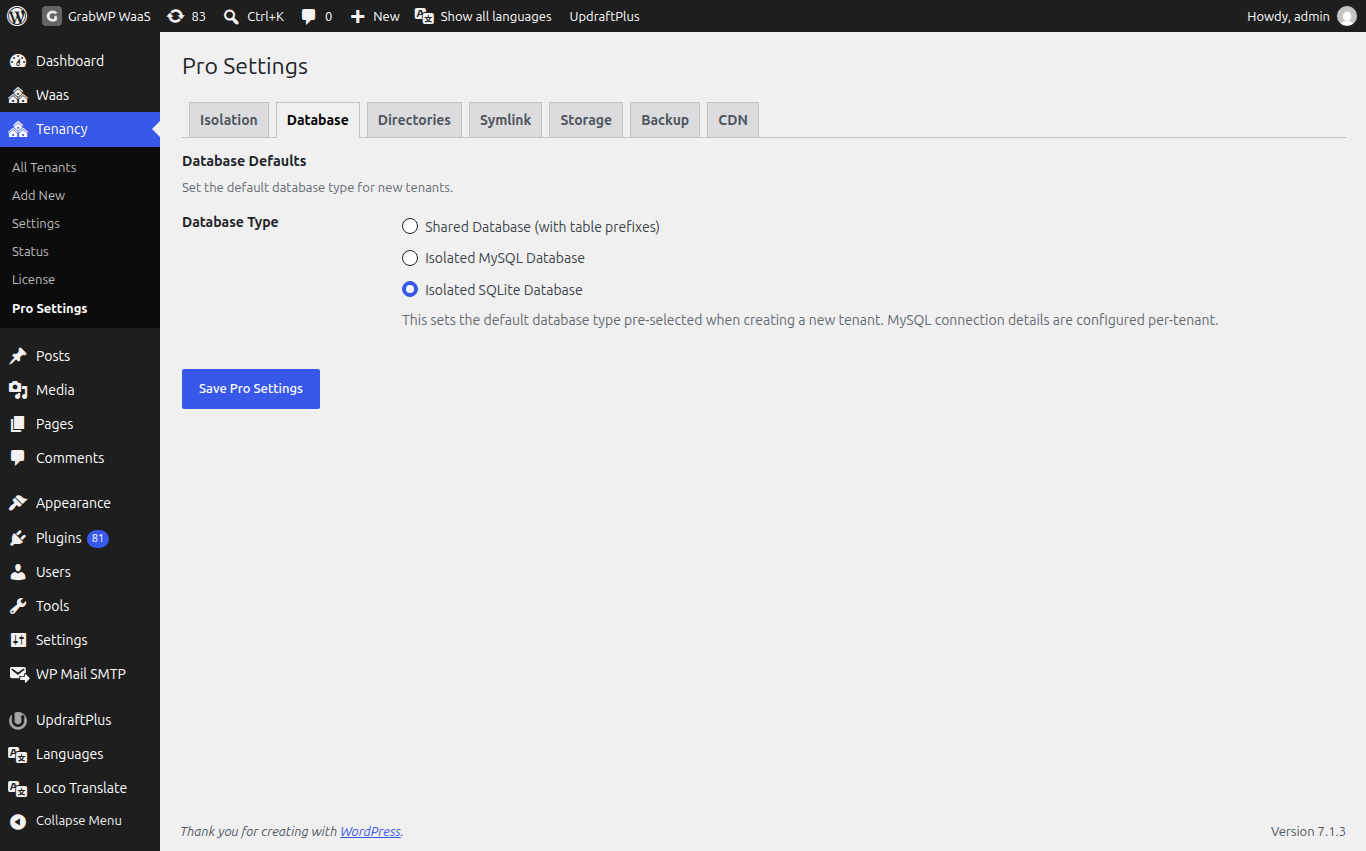
Database Defaults sets Database Type for new sites: Shared Database (with table prefixes), Isolated MySQL Database or Isolated SQLite Database. On a new install the default is Isolated SQLite Database when your PHP has SQLite support, and Shared Database (with table prefixes) otherwise.
With Isolated MySQL Database, Default MySQL Connection lets you pre-fill MySQL Host, MySQL Database and MySQL Username. The password is set on each site.
Details: Database options.
Directories
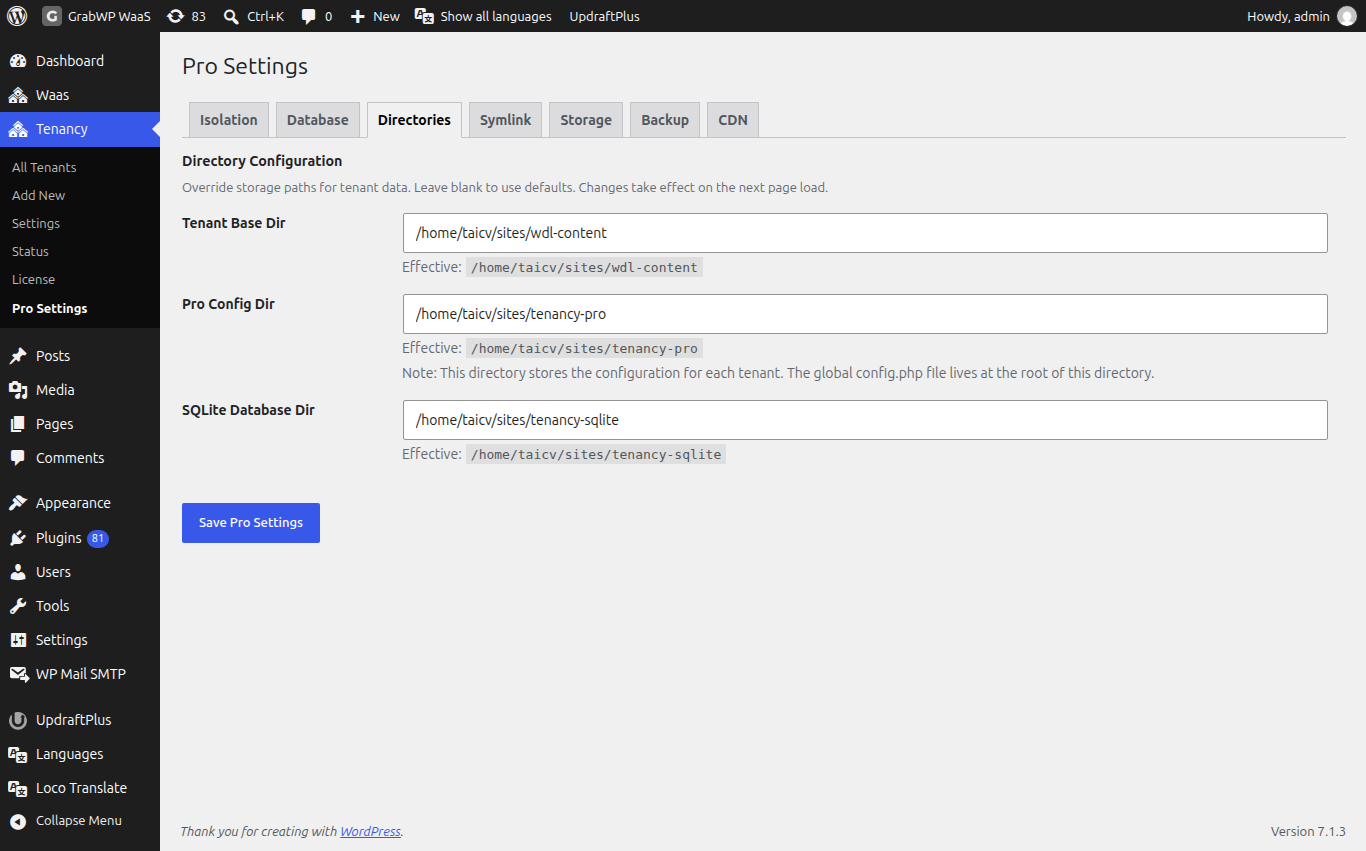
Directory Configuration lets you move GrabWP's folders. Leave a field blank to keep the default. The Effective: line shows the folder in use.
| Field | Default |
|---|---|
| Tenant Base Dir | wp-content/grabwp-tenancy |
| Pro Config Dir | wp-content/grabwp-tenancy-pro |
| SQLite Database Dir | wp-content/grabwp-tenancy-sqlite |
If a folder is set in wp-config.php, its field is locked and shows set in wp-config.php. A Directory validation errors: notice lists folders that could not be used.
Details: Where site data lives.
Symlink
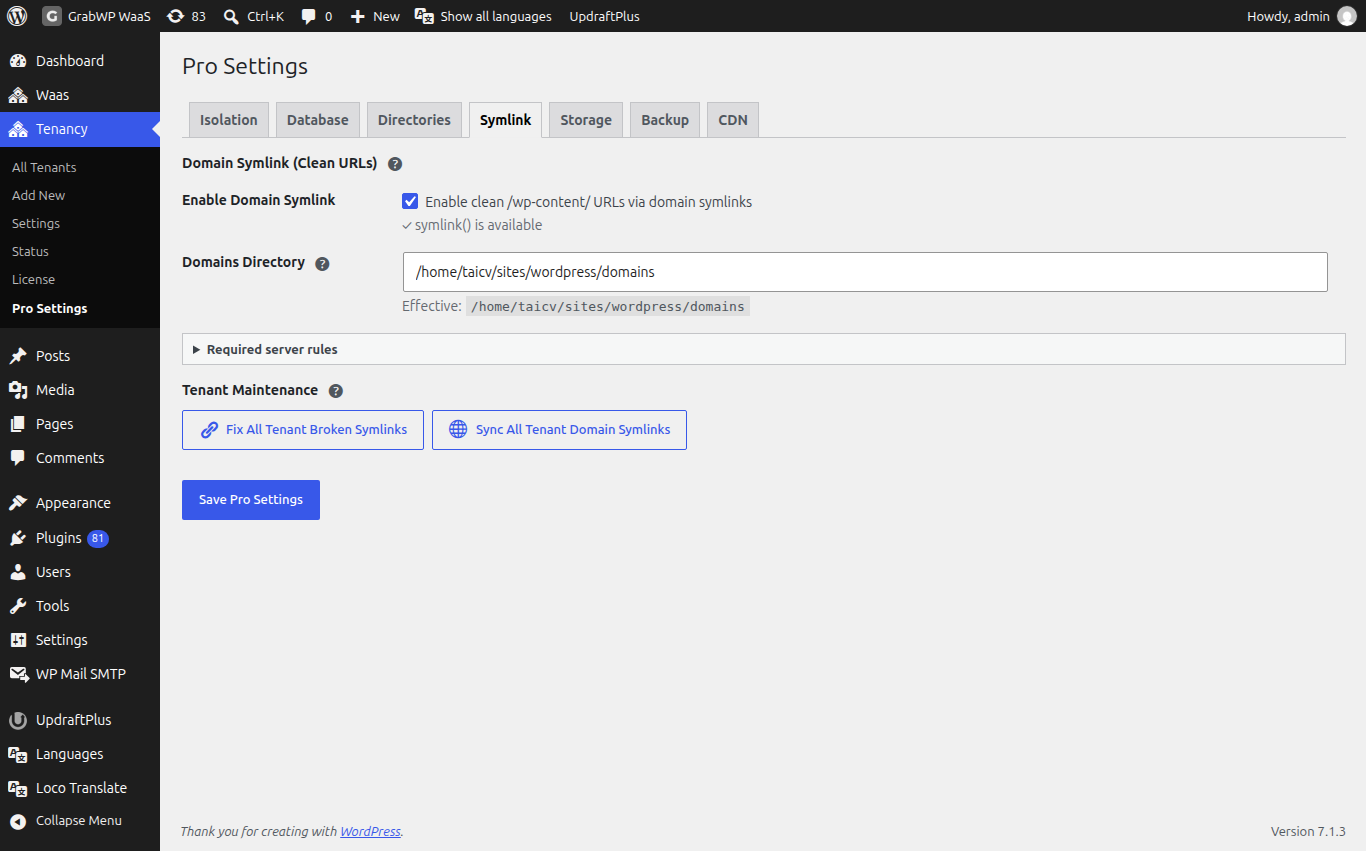
Domain Symlink (Clean URLs) serves each site's files from clean /wp-content/ addresses on its own domain. It does not change how visitors open the site.
- Check the row says symlink() is available. If it says symlink() is not available. Feature cannot be enabled., your host does not allow it.
- Tick Enable Domain Symlink. Leave Domains Directory blank to use the default.
- Open Required server rules, copy the rules for your web server (Nginx, or LiteSpeed and Apache) and add them. Restart the web server.
- Click Save Pro Settings.
Tenant Maintenance has two buttons: Fix All Tenant Broken Symlinks repairs broken plugin and theme links on every site, and Sync All Tenant Domain Symlinks creates missing domain links and removes old ones.
Storage
Object Storage (S3-Compatible) keeps site uploads in an S3-compatible bucket. Default Local Filesystem (default).
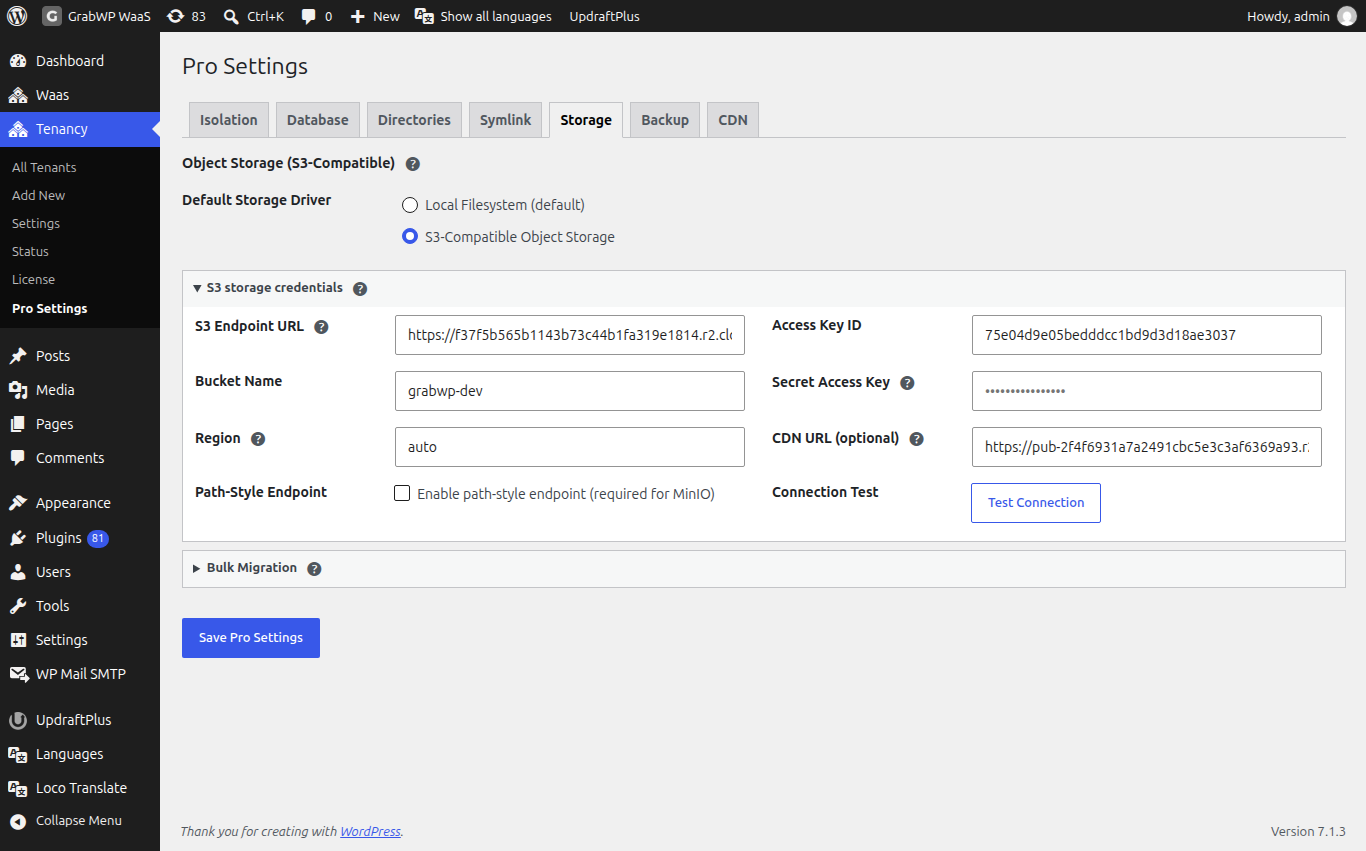
Details: S3 storage.
Backup
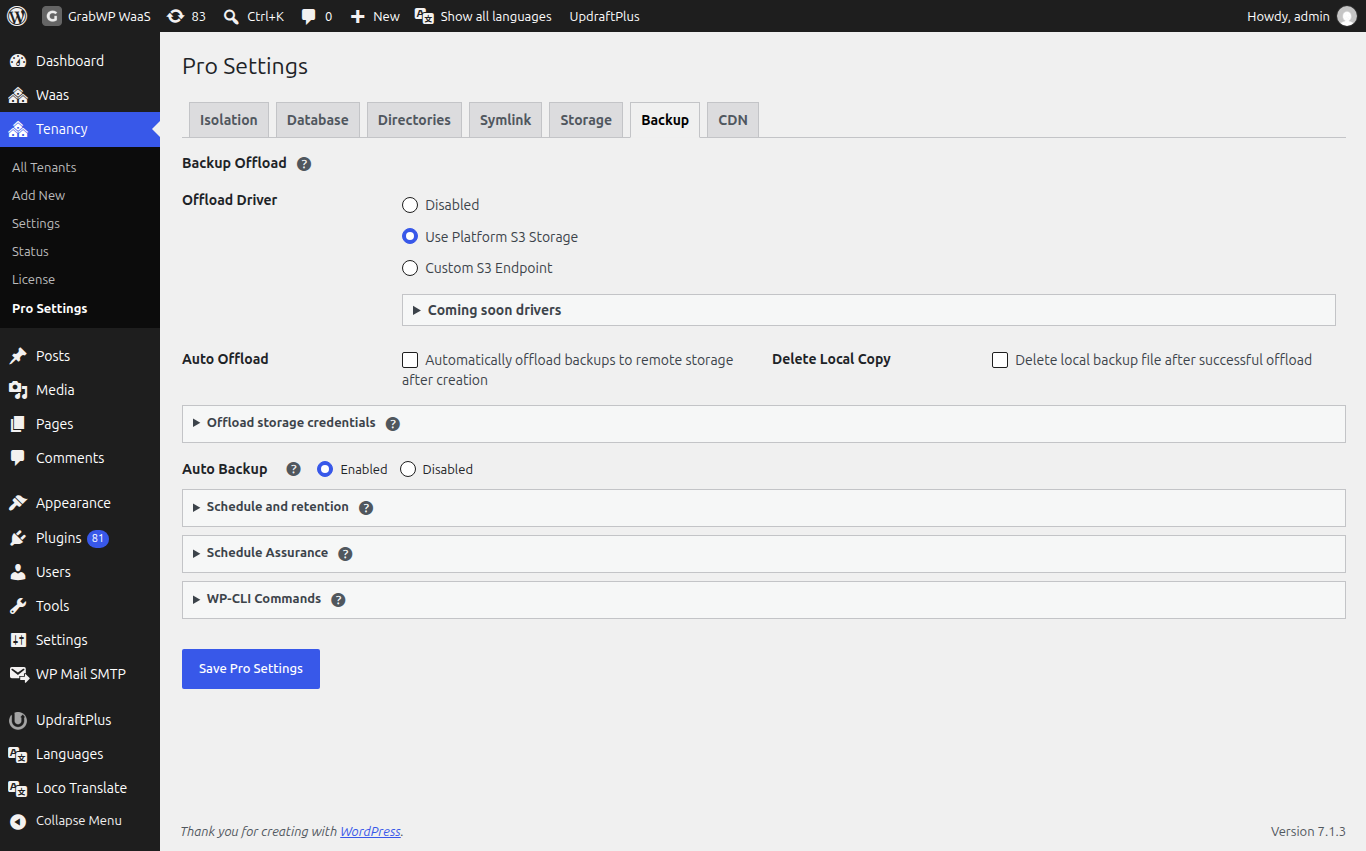
- Backup Offload: copy backups to S3. Offload Driver is Disabled, Use Platform S3 Storage (the bucket from the Storage tab) or Custom S3 Endpoint. Options: Automatically offload backups to remote storage after creation and Delete local backup file after successful offload. Backup Prefix is the folder in the bucket (default
grabwp-backups). - Auto Backup: Enabled or Disabled (default). Under Schedule and retention, Default Schedule is Manual only (no schedule), Daily, Weekly, Every two weeks or Monthly, and Backups to Keep is 1 to 30 (default 7). Turning on Auto Backup while the schedule is manual saves it as weekly.
- Schedule Assurance: whether WP-Cron runs and when the next backup is due. See Scheduled jobs.
- WP-CLI Commands: the backup commands. See WP-CLI commands.
Each site can use these defaults or its own. Details: Backup and restore.
CDN
CDN for core, plugin and theme files loads WordPress core, plugin and theme files (CSS, JavaScript, images, fonts) on your sites' front ends from a CDN. Uploads and admin screens are never changed.
| Field | Notes |
|---|---|
| CDN | Enable or Disable. Default Disable. |
| CDN hostname | Host name only, for example cdn.example.com. Point the CDN pull zone at your main site. If the host name is not valid, CDN is saved as disabled. |
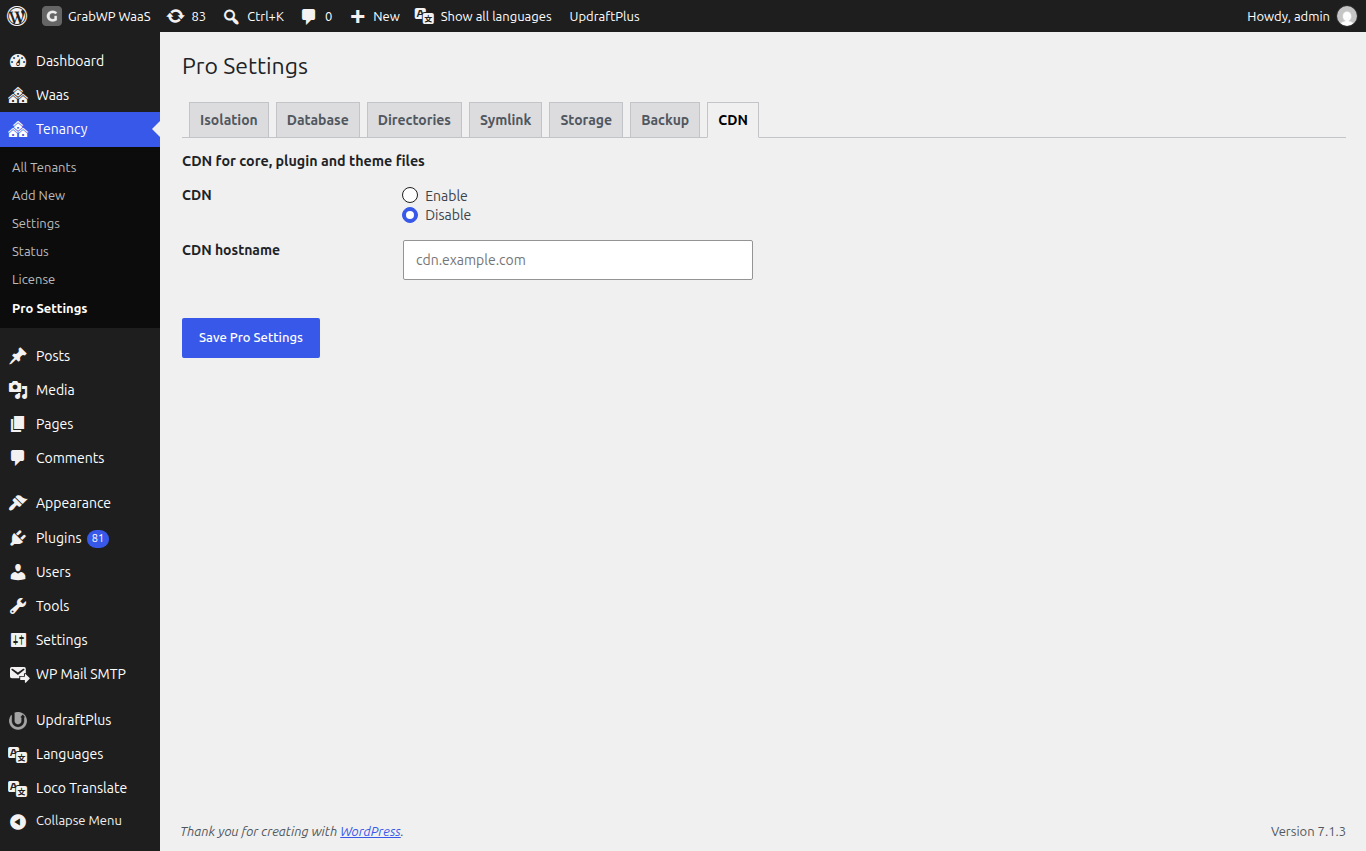
Leave it off until your CDN pull zone is ready.
Check: after saving, create a test site and confirm its Database and Isolation columns on Tenancy > All Tenants match the defaults you set.